Low Stock Badge
Show honest scarcity on products that are actually running low.
Only 3 left
In stock3 units

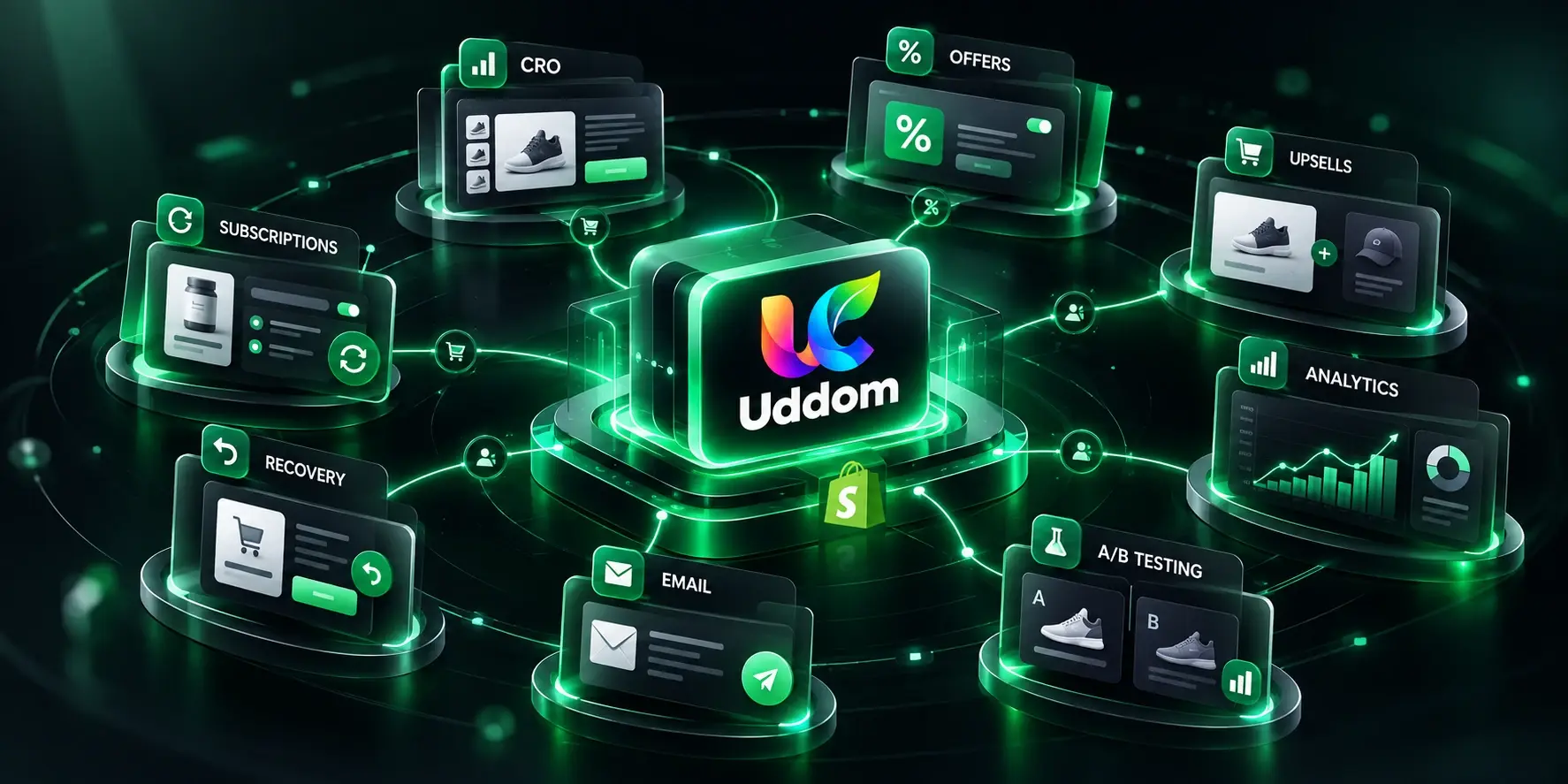
Uddom brings CRO, offers, upsells, analytics, A/B testing, email marketing and subscriptions together in one powerful growth platform.
Built for ShopifyTheme-aware · no code required
12
CRO modules
8
Offer types
6
Core metrics
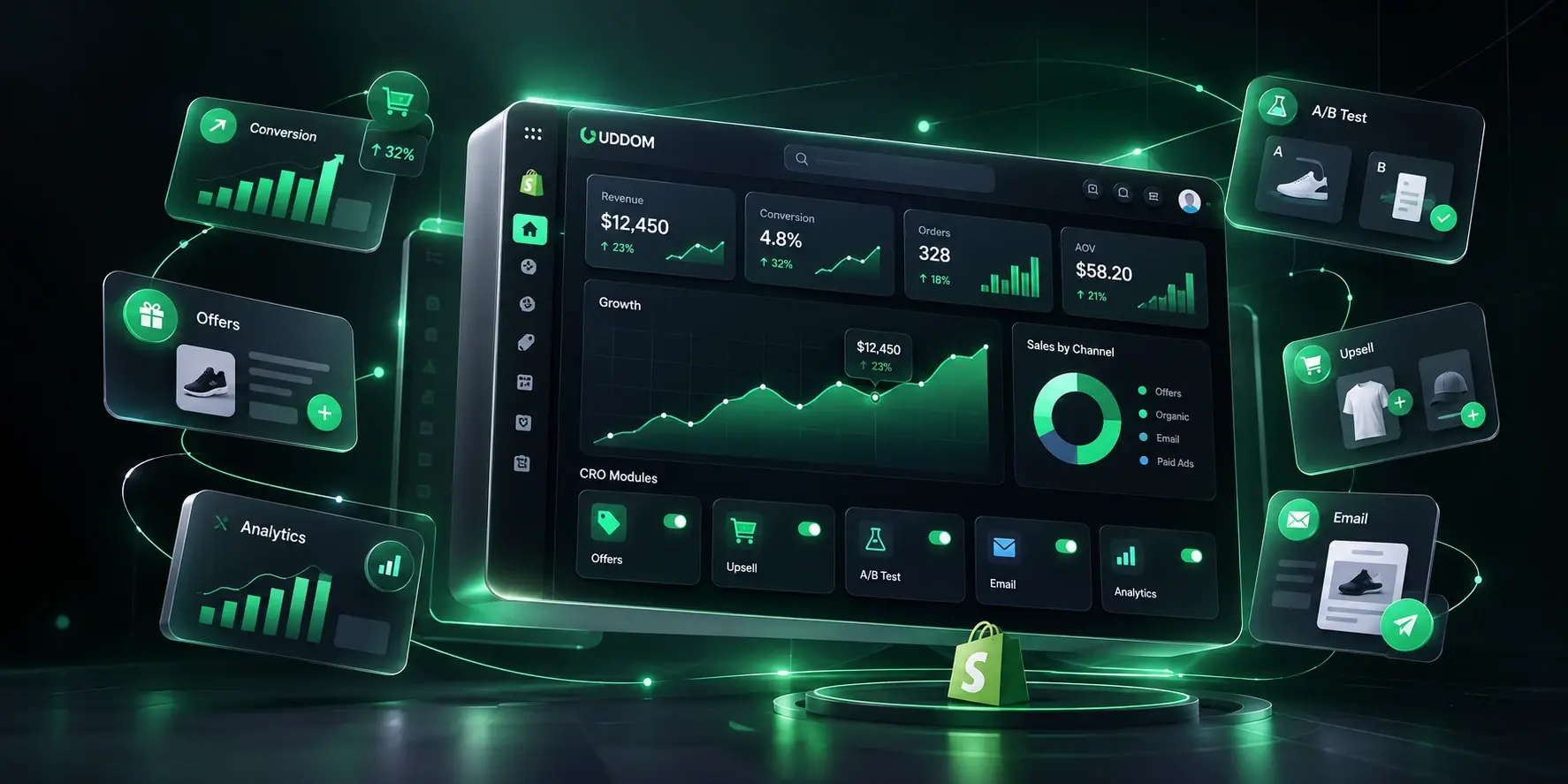
Visitors arrive, browse, and leave. The gap is rarely at the top of the funnel — it is in the small moments between interest and purchase.
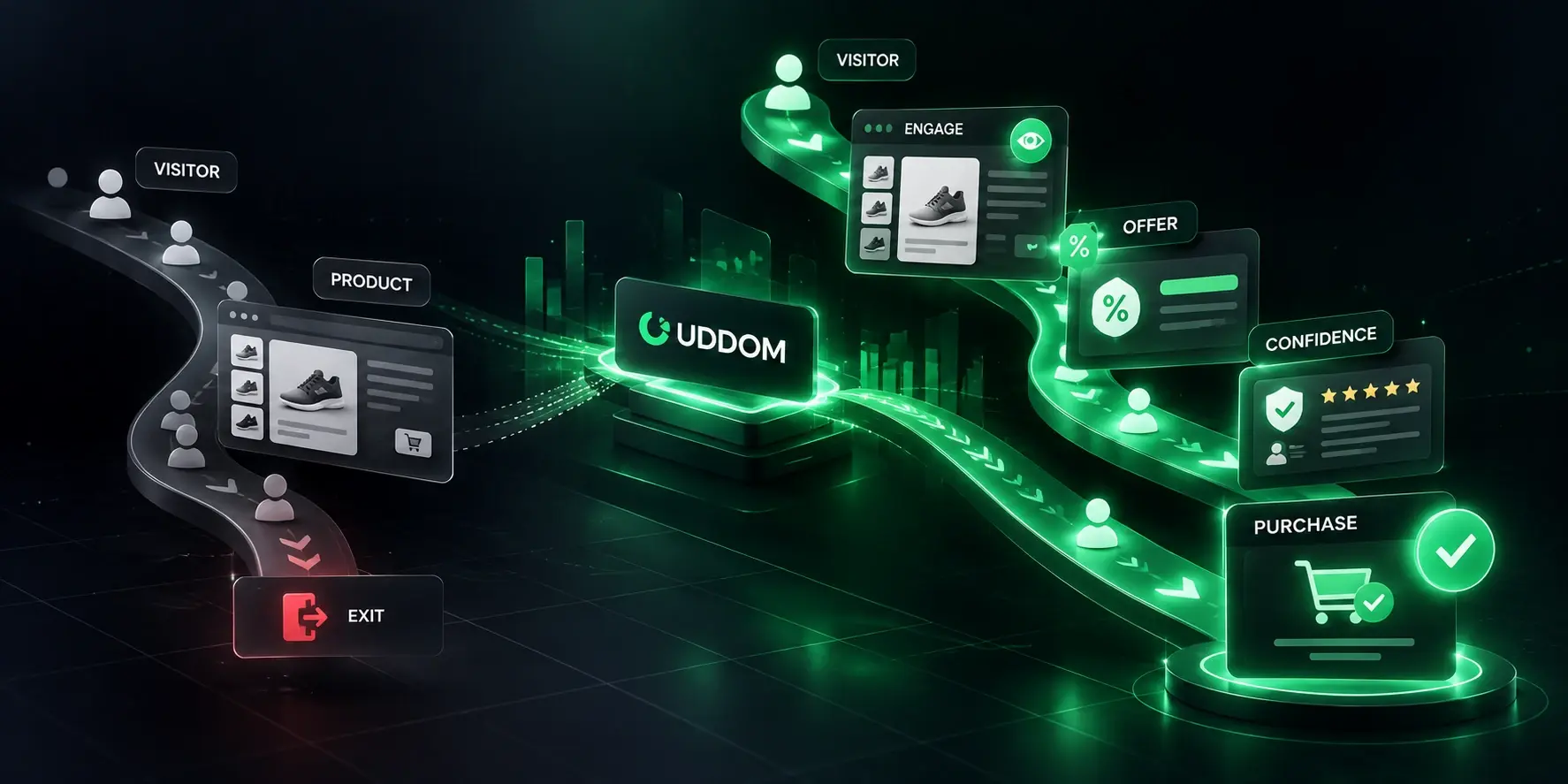
Uddom is not one tool with one job. It is a single Shopify app where each part of the growth loop shares the same configuration and the same reporting.
Conversion modules you switch on per store — urgency, social proof, trust and cart tools that render across the shopping journey.

Add conversion-focused experiences across the storefront. Each module is a switch in the app and a small, theme-aware widget on the storefront.
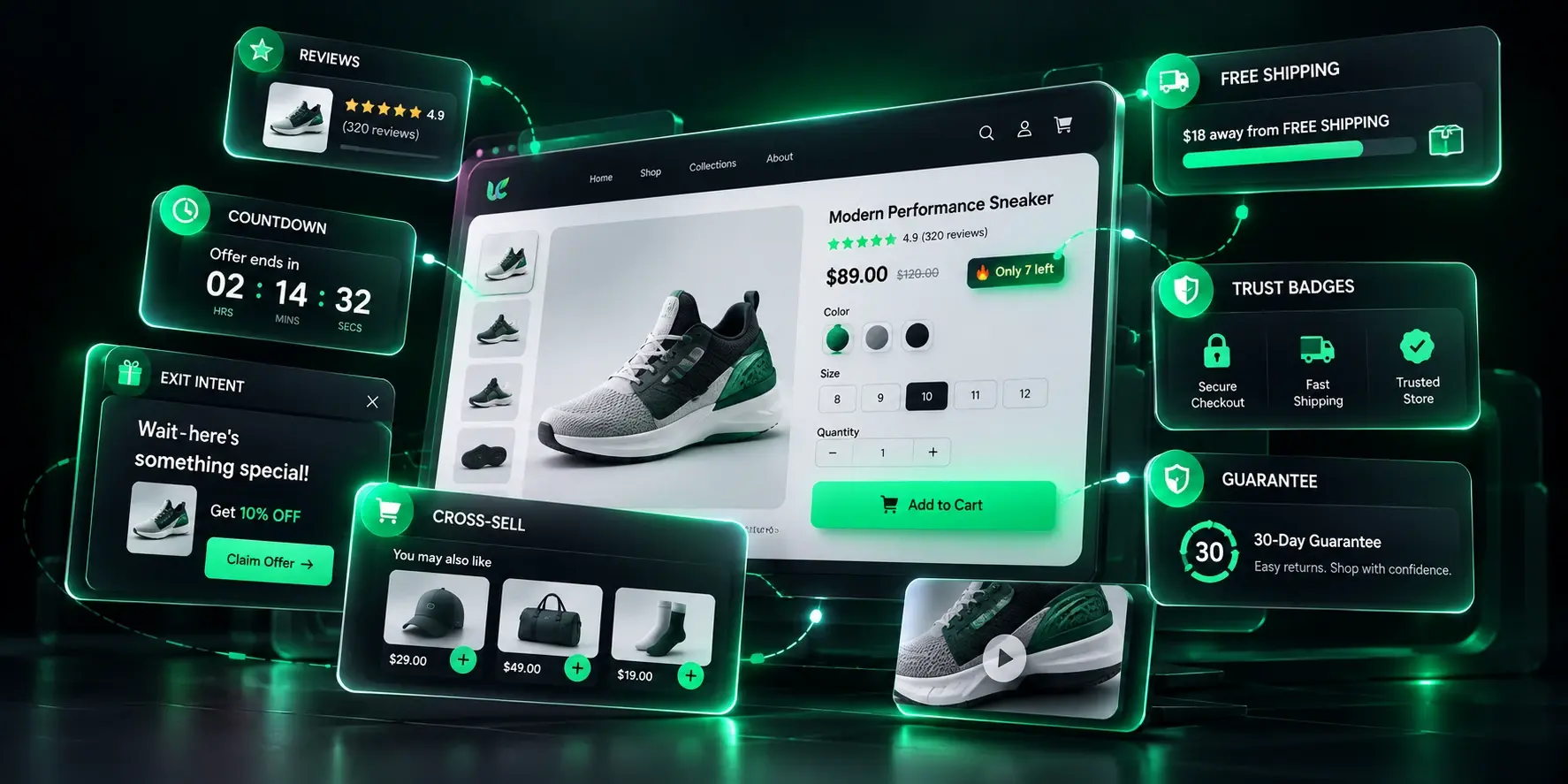
Show honest scarcity on products that are actually running low.
In stock3 units
Give a sale a visible deadline so shoppers decide today.
Sale ends in02:14:38
Hold the cart for a set window and keep the momentum going.
Surface real purchase activity to build trust at a glance.
Show how many shoppers are looking at a product right now.
Put star ratings and photo reviews on the product page.
★★★★★
4.8 average126 reviews
Show how close a shopper is to free shipping, a discount and a gift.
Add $12 more for free shipping$38 / $50
Catch the shopper who is about to leave with the right offer.
Wait — don’t leave yet
Here is 10% offClaim
Suggest one more relevant product inside the cart drawer.
You may also likeAdd
Reassure buyers with your own badges and wording.
Secure checkout30-day returns
Say your return policy plainly, right where it matters.
Backed by a 30-day guarantee
Offer one more item right after payment, in a single click.
Special offer just for youAdd
Toggle the modules to see how conversion elements stack on a product page. This is an interactive illustration, not a live store.
Home / Products / Leather Tote

Modules
In the app, each module is switched on and configured individually, and several can run together.
Create offers that apply automatically at checkout — no code for the shopper, no manual discount juggling for you.
Volume breaks and tiers reward buying more, bundles and Mix & Match shape the basket, and free gifts sweeten the moment. Offers apply at checkout, so the shopper sees the saving exactly where it matters.
Illustrative example — buying three lowers the effective unit price.
Pair products into a bundle, or add a free gift when a shopper qualifies. The bundle price and the gift are handled at checkout by Uddom's discount function.
Leather Tote Water Bottle
 Free gift
Illustrative product photography — swap in your own product shots.
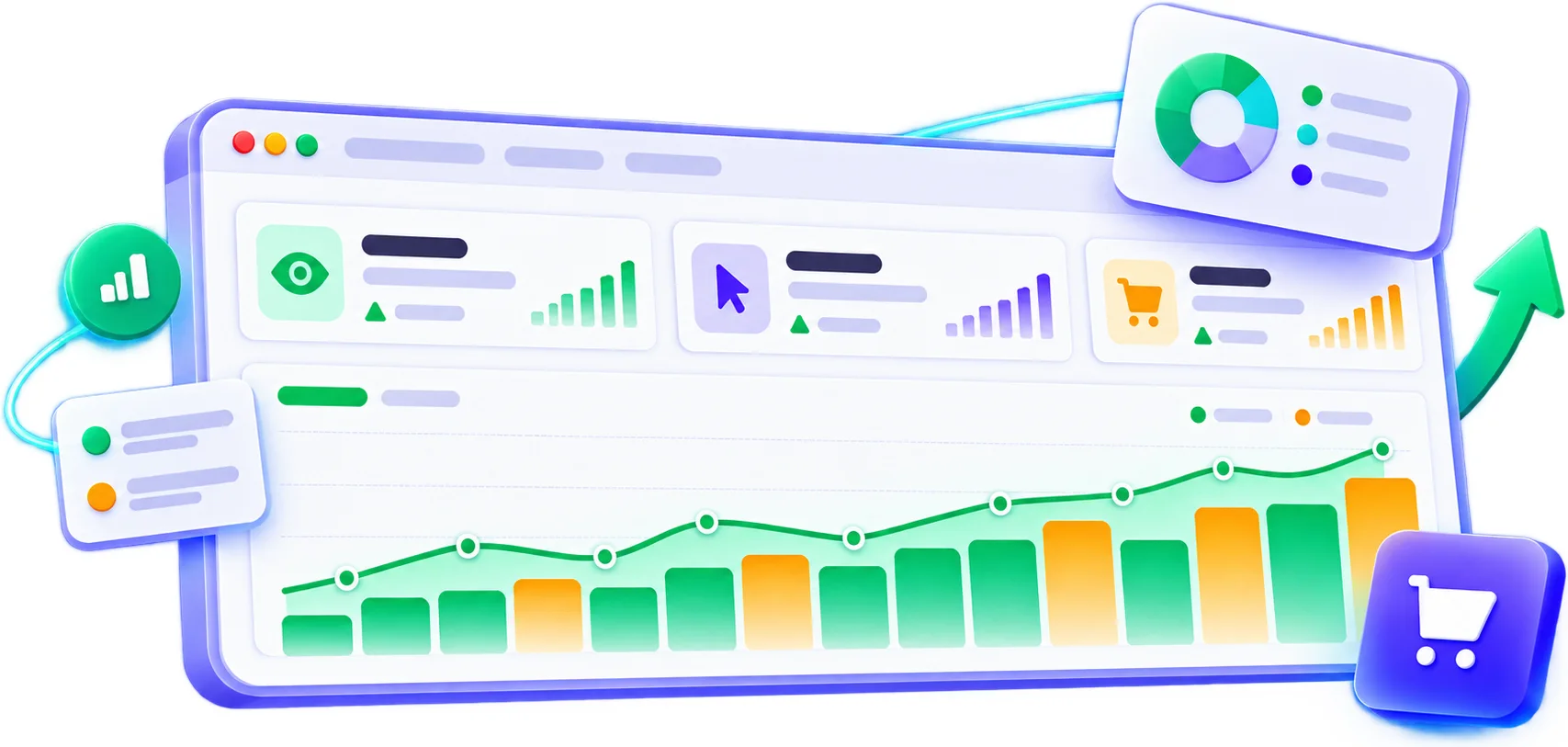
See how each module performed across the funnel — impressions, clicks, add to cart, purchases and attributed revenue — in one place.
Example data for illustration
CTR
7.7%
+0.5ptPurchases
684
+8.9%Conversion rate
0.53%
+0.06ptModule performance
Split one module between variants, give each its share of traffic, and see how they performed side by side.
Example data for illustration
Module
Free shipping bar
Visitors assigned by weight
Uddom is built around one repeating loop. Every launch feeds the next decision, so the store keeps improving instead of standing still.
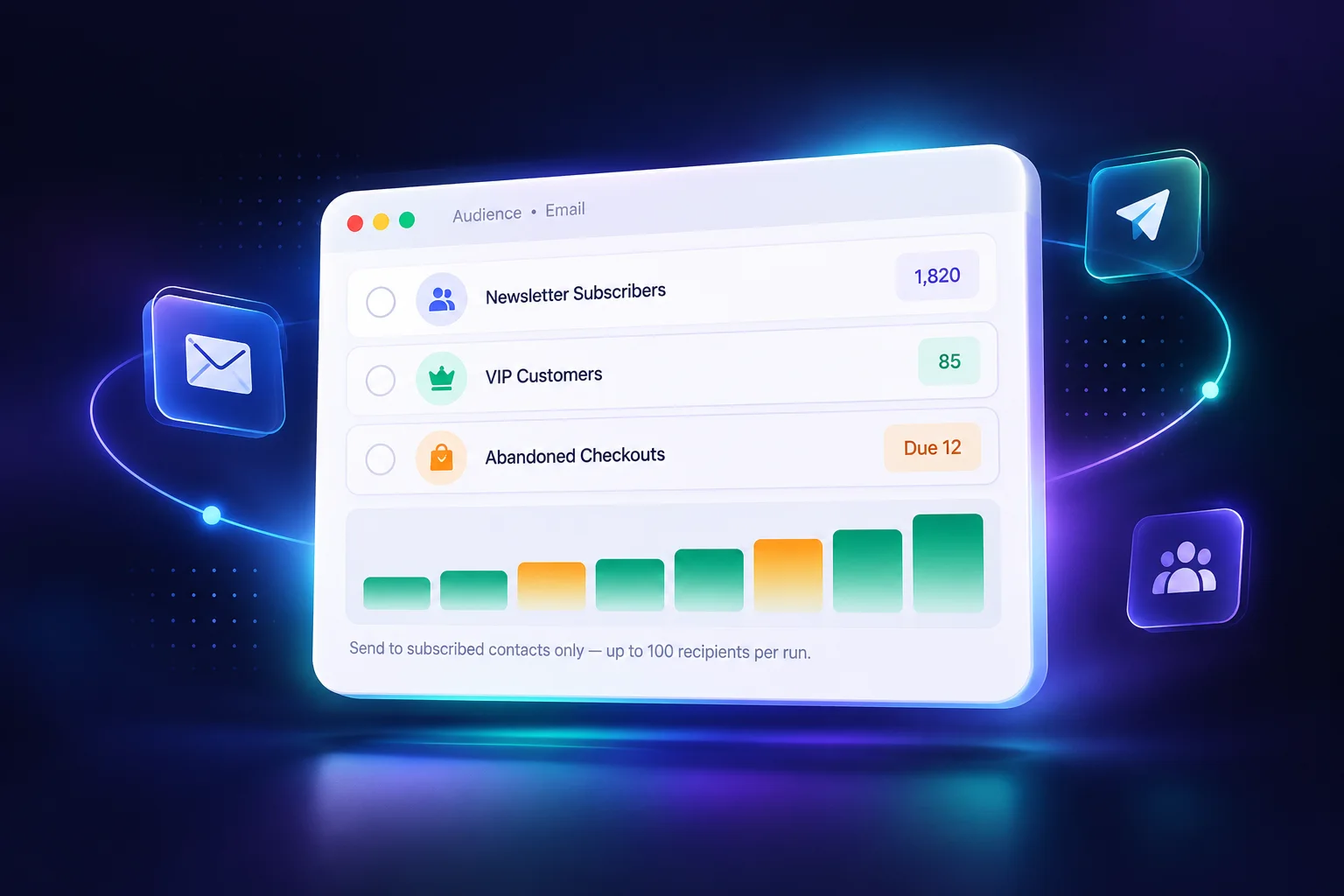
Build lists, import contacts with consent, design reusable templates and send marketing email — then recover the checkouts that did not finish.
The journey Uddom covers
When a shopper leaves checkout unfinished, Uddom can send a recovery email automatically after a delay you choose — or you can send one yourself.
Checkout abandoned
A shopper leaves before completing their order.
Uddom detects the opportunity
Eligible checkouts are picked up on your schedule.
Recovery email sent
Your chosen template goes out after the delay you set.
Customer returns
They come back to the store from the email.
Purchase recovered
The order completes, and recovery performance is reported.
Automatic recovery runs on the schedule you configure; you can also send a recovery email manually from the abandoned checkouts list.
Create selling plans and purchase options so customers can subscribe instead of buying once — with a subscriber discount you control.
Uddom is designed to work across Shopify storefronts without depending on a single theme's implementation — no theme-specific markup is required.
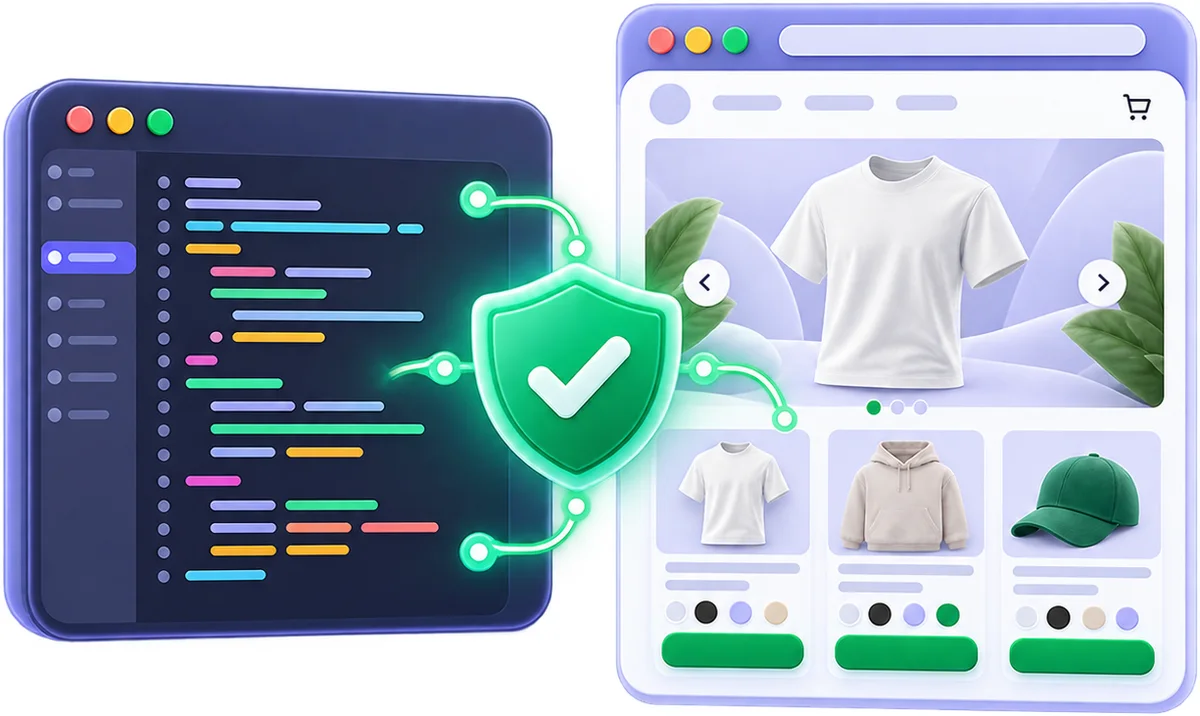
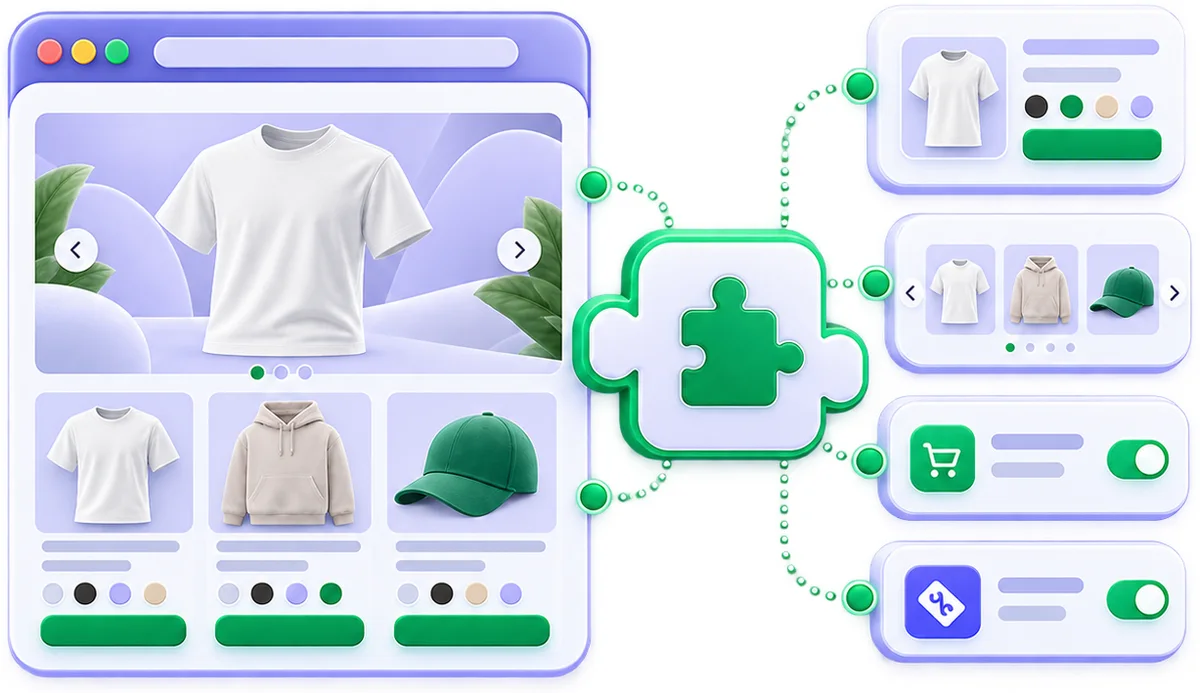
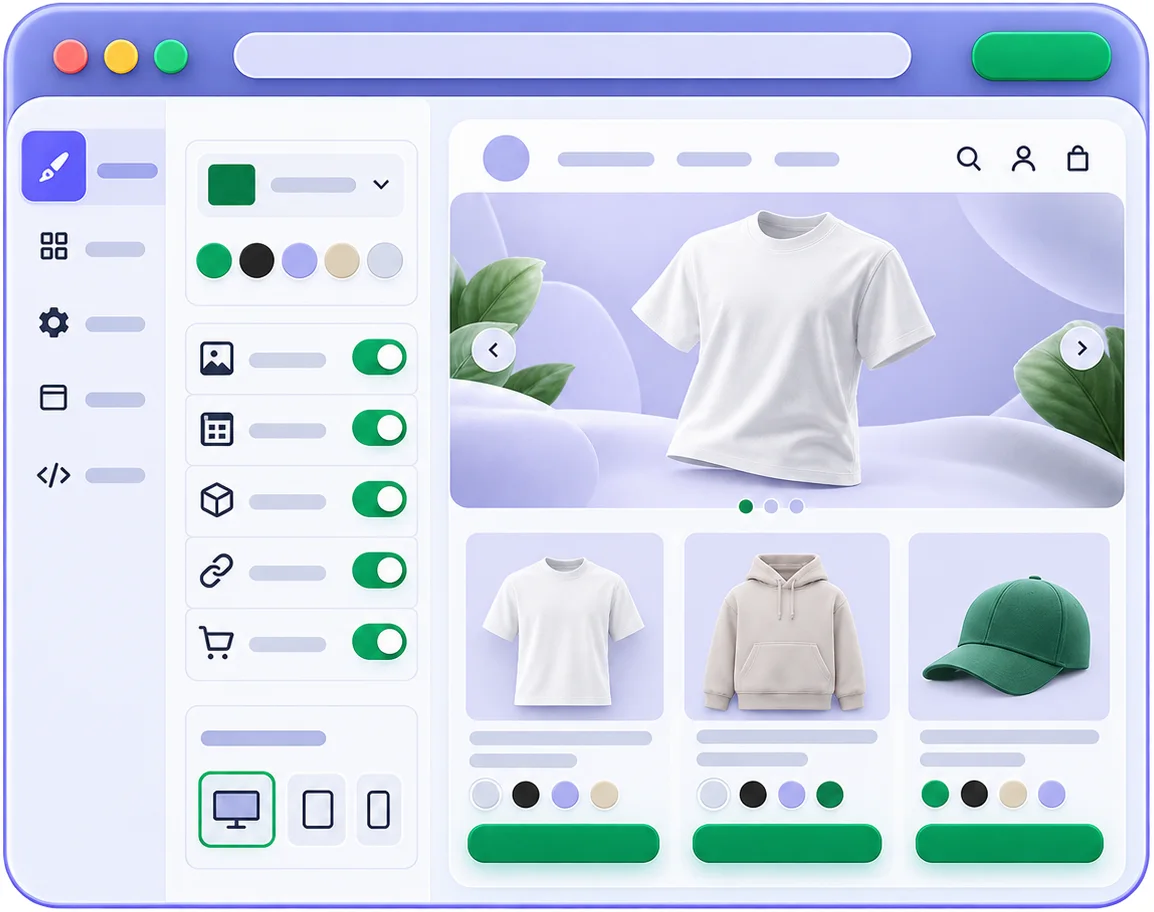
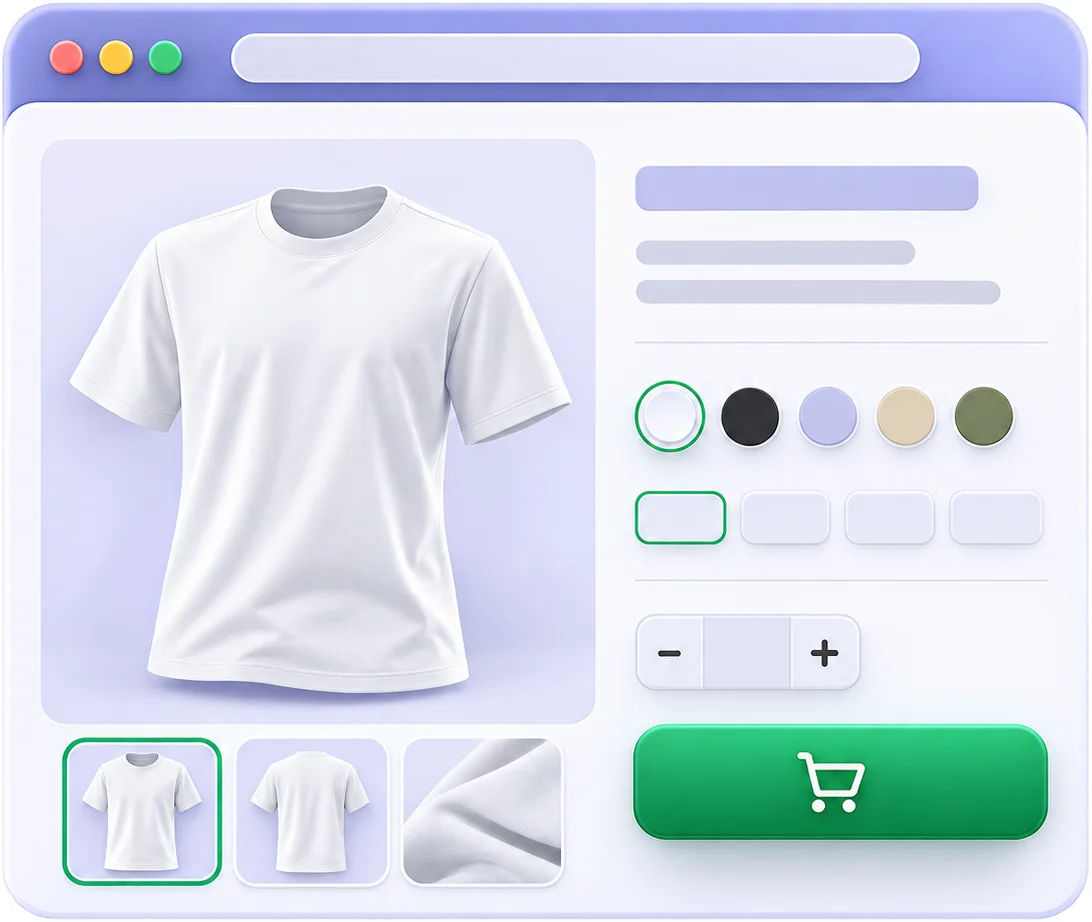
Fewer disconnected tools. One place to configure, measure and improve.
A focused interface for every part of the platform. Screenshots are placeholders until the real product images are added.
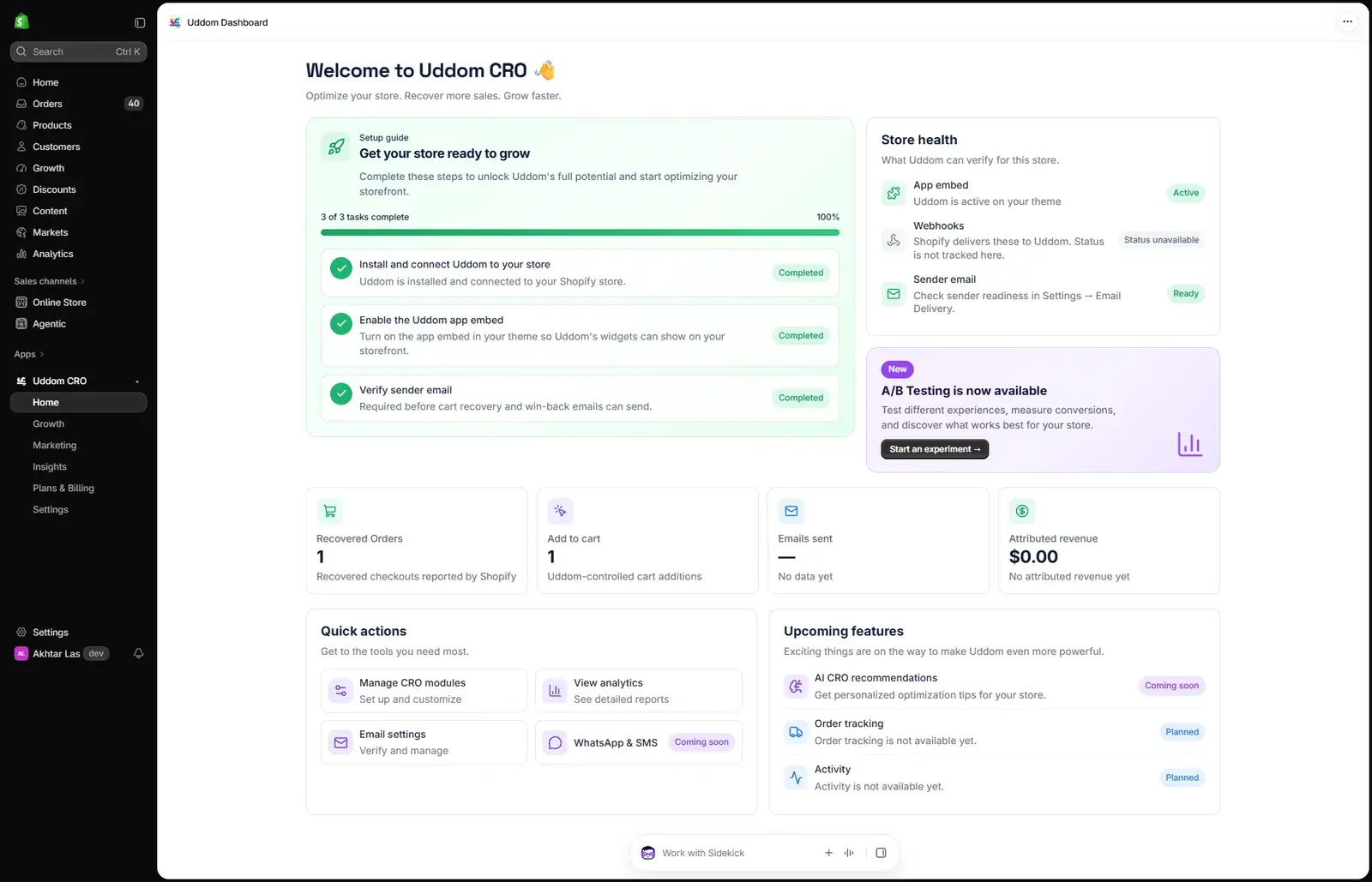
Setup progress, store health and the headline numbers from one place.
Modules active
12 of 15
App embed
Active
Stitching together a separate app for every job means five dashboards, five settings panels and five versions of the truth. Uddom replaces that with one.
Uddom is built to be understandable on day one. Four steps, no code.
Add Uddom to your Shopify store and open it from your admin.
Switch on the CRO tools, offers and email features you want.
Set thresholds, messages, layouts and targeting in the app.
Read the results, run a test, and improve what converts.

Start free, then add offers, analytics, experimentation and email as your store grows. Monthly billing.
Billing cycle: Monthly.
$0forever
Start adding conversion essentials to your storefront.
Includes 5 of 22 modules
$9.90/month
Add urgency, social proof and the cart tools that recover orders.
Includes 12 of 22 modules
Everything in Free, plus:
$24.90/month
Offers, upsells, reviews and the reporting that shows what worked.
Includes 18 of 22 modules
Everything in Grow, plus:
$49.90/month
Experimentation, email marketing and managed sending for growing stores.
Includes 22 of 22 modules
Everything in Convert, plus:
Pricing is being finalised. These plans and prices are the planned launch pricing. Uddom’s billing is not configured yet, so nothing here starts a paid subscription today. A free plan is available.
Uddom is an all-in-one Shopify growth platform. It brings conversion-rate optimisation modules, offers and bundles, upsells, analytics, A/B testing, email marketing, abandoned checkout recovery and subscription selling plans together in one app.
Yes. Uddom is an embedded Shopify app that runs inside your Shopify admin, and it delivers its storefront features through a Shopify theme app extension.
Uddom is designed to work across storefronts rather than depend on one theme's markup: it does not rely on Dawn-only selectors and fails safe when a host element is missing. Most features are delivered through the Uddom app embed. Some cart-focused features need a cart drawer, so they will not appear on a theme that uses a cart page instead.
No. You install the app, enable the Uddom app embed in your theme once, and configure modules, offers and email from the Uddom dashboard. No code is required for normal setup and use.
Uddom includes Low Stock Badge, Countdown Timer, Cart Reservation Timer, Recent Sales Popup, Live Viewer Count, Review Widget, Free Shipping Bar, Exit-Intent Offer, Cart Drawer Cross-Sell, Trust Badge Strip, Guarantee Banner and Post-Purchase Upsell.
Yes. The offer builder supports bundle-style offers, including Mix & Match, and free-gift offers that discount a gift product at checkout. The free shipping bar also supports a free gift once a shopper reaches a spend threshold.
Yes. You can split one CRO module between variants with your own traffic weights and compare how each variant performed. Uddom reports the results descriptively — it does not declare a winner for you.
Yes. Uddom reports impressions, clicks, add-to-cart, purchases, conversion rate and attributed revenue, plus a per-module performance table. Where a metric has no data source for a module, Uddom shows it as not measured rather than as a misleading zero.
Yes. Uddom can detect eligible abandoned checkouts and send a recovery email automatically after a delay you choose, or you can send a recovery email manually from the abandoned checkouts list. You can optionally include one of your Shopify discounts as an incentive.
Yes. You can import contacts into lists, build reusable email templates, and send marketing emails to subscribed contacts. Emails go out through the SMTP sender you configure under Settings. Each send handles up to 100 recipients.
Yes. You create subscription selling plans and purchase options in the offer builder, and Uddom shows you the contracts Shopify creates for your store. Recurring billing and payment are handled by Shopify — Uddom does not run subscription billing.
Yes. The Free plan includes the Trust Badge Strip, Guarantee Banner and Low Stock Badge.
Yes. Modules carry a plan label (Free, Grow, Convert or Scale) so you can see what belongs to each plan, and you can move to a higher plan as you grow. Plan pricing and billing are being finalised — see the pricing section for the current state.
Turn more traffic into customers with one Shopify growth platform.